

Updated November 3, 2026. BTCPay Server says an attack targeted instances running version 2.4.1 or earlier. Its official incident report says versions 2.4.2 and later were not impacted by the attacks it investigated. Operators who ran an affected version should follow the project’s recovery steps; simply updating an old server may not remove access an attacker already obtained.
What happened
BTCPay Server reported thefts of Bitcoin and Litecoin from hot wallets on November 1, 2026. In its official incident report, published November 2, the project said attacks targeted BTCPay Server 2.4.1 (released July 23) or earlier, using a different method to exploit the vulnerability fixed in version 2.4.2 (released August 7). The project reported no impact from these attacks on servers that were already running 2.4.2 or later when it issued its warning.
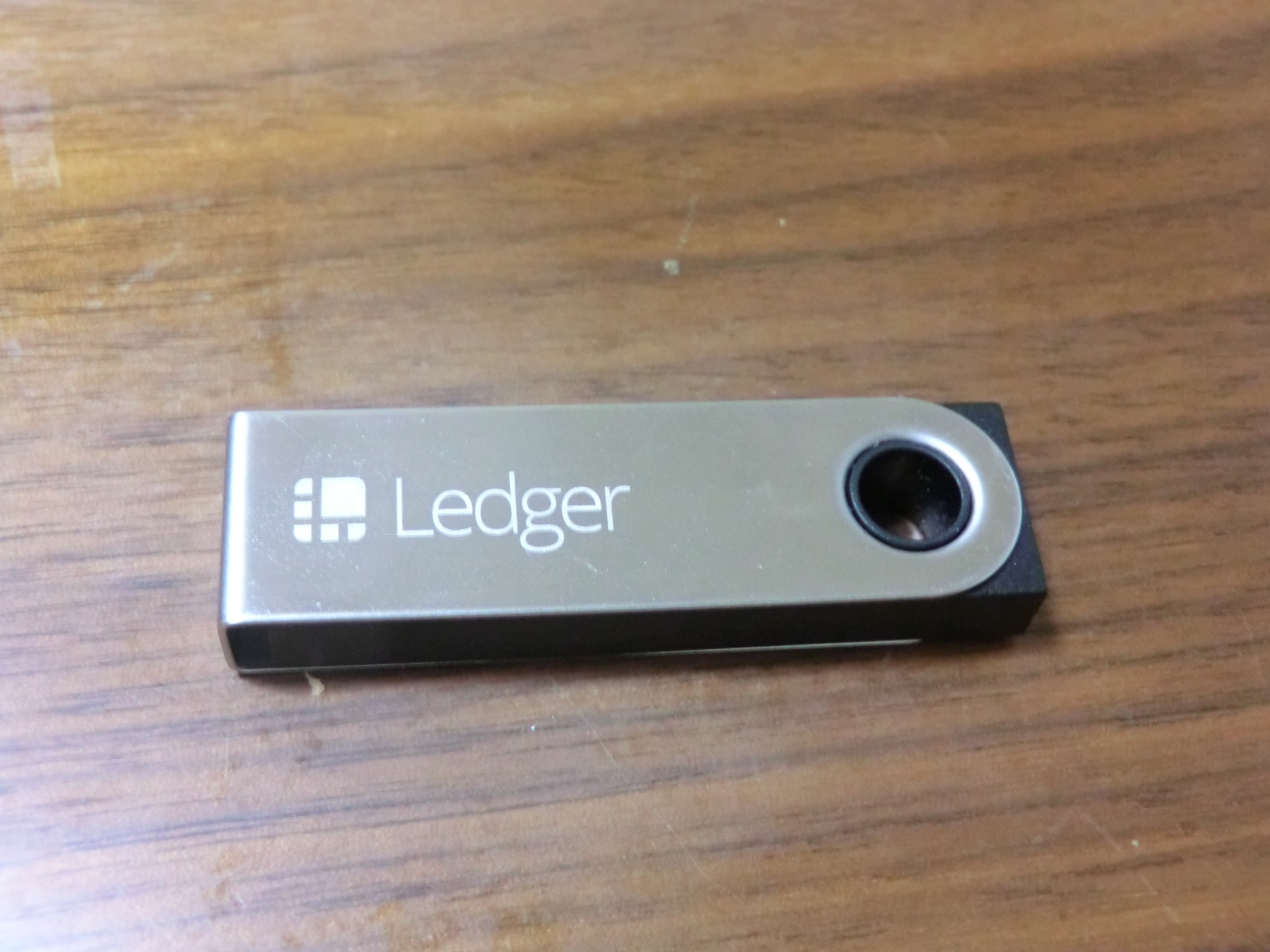
BTCPay describes a hot wallet as one whose spending keys are stored on the server. The project said funds in wallets whose spending keys are held off-server, including hardware wallets, were unaffected by these thefts. The full scope of losses and activity at reported destination addresses should be taken from BTCPay’s incident page, which cautions that some address activity predates the reported thefts.
Who should take action
Check the version shown at the bottom of your BTCPay Server page and compare it with the project’s official incident guidance. If your server was running 2.4.1 or earlier, BTCPay strongly recommends moving to a fresh server with a new wallet, even if you have not noticed a theft or upgraded after the November 1 warning. If funds were stolen or you see unauthorized access, treat the machine and its secrets as compromised and follow the same recovery path.
| Situation | Project guidance |
|---|---|
| 2.4.2 or later at the time of the warning | BTCPay reported no impact from these attacks on those servers. Keep software updated and check official notices. |
| 2.4.1 or earlier | Move to a fresh server and a new wallet after sweeping any remaining hot-wallet funds, following the official recovery instructions. |
| Unauthorized access or stolen funds | Treat the server and its secrets as compromised, even if you have updated since the attack. |
Recovery checklist for affected operators
- Use a trusted device. Read the current BTCPay incident report and recovery guidance. For a hosted server, contact the hosting provider using its official support channel.
- Create a new wallet and seed. Following the project’s directions, sweep any remaining hot-wallet funds to the new wallet. Do not reuse the old seed on the new server.
- Take the old server offline and preserve evidence. Keep relevant logs and transaction records for investigation before replacing the system.
- Provision a fresh virtual machine. Install the latest supported BTCPay release from trusted sources and connect the new wallet. The project advises against restoring the entire old server onto the new machine.
- Replace exposed credentials. From a trusted device, change passwords and access keys the old server could reach, including applicable hosting, SSH, application, API, and Lightning credentials. Do not enter new credentials on the old machine.
- Report suspected theft. BTCPay asks affected users to contact security@btcpayserver.org with the version, timing, and public transaction IDs or addresses. Also contact local authorities if funds were stolen. Remove secrets from logs before sharing them.
Protect future payment operations
BTCPay recommends installing updates as they are released. If daily operations require a hot wallet, keep only the funds needed for those operations on the server and hold reserves in a wallet whose spending keys stay off the server. This reduces exposure to a server compromise but does not eliminate every risk. Our guide to moving crypto to a cold wallet safely covers address verification and recovery phrase handling.
Frequently asked questions
Does updating an affected server make it safe?
BTCPay says updating alone cannot remove access an attacker may already have gained. For a server that ran 2.4.1 or earlier, follow the project’s fresh-server recovery recommendation.
Were hardware wallets affected?
BTCPay said wallets whose spending keys are held off-server, including hardware wallets, were unaffected by these thefts. The project still recommends rebuilding an affected old server.
Should I send my seed phrase to support?
No. Never send a seed phrase, private key, password, or other credential. BTCPay specifically asks users to remove secrets from any logs or configuration files before sharing them.
This article summarizes the project’s public security guidance as of November 3, 2026. Incident instructions can change; check the official BTCPay report for the latest details.
Sources: BTCPay Server: Security Incident Affecting BTCPay Server 2.4.1 and Earlier; BTCPay Server official releases.
